Story creator
You have a character and a memorable setting but need a visual starting point for a short sequence.
Begin with one action and one mood, then use the first draft to decide which story beat deserves a second pass.
sjinn ai templatesVideo workflow
The sjinn ai video generator is easiest to use when your idea already has a subject, setting, action, and visual mood. Prepare those decisions first, then refine the result after the first render.
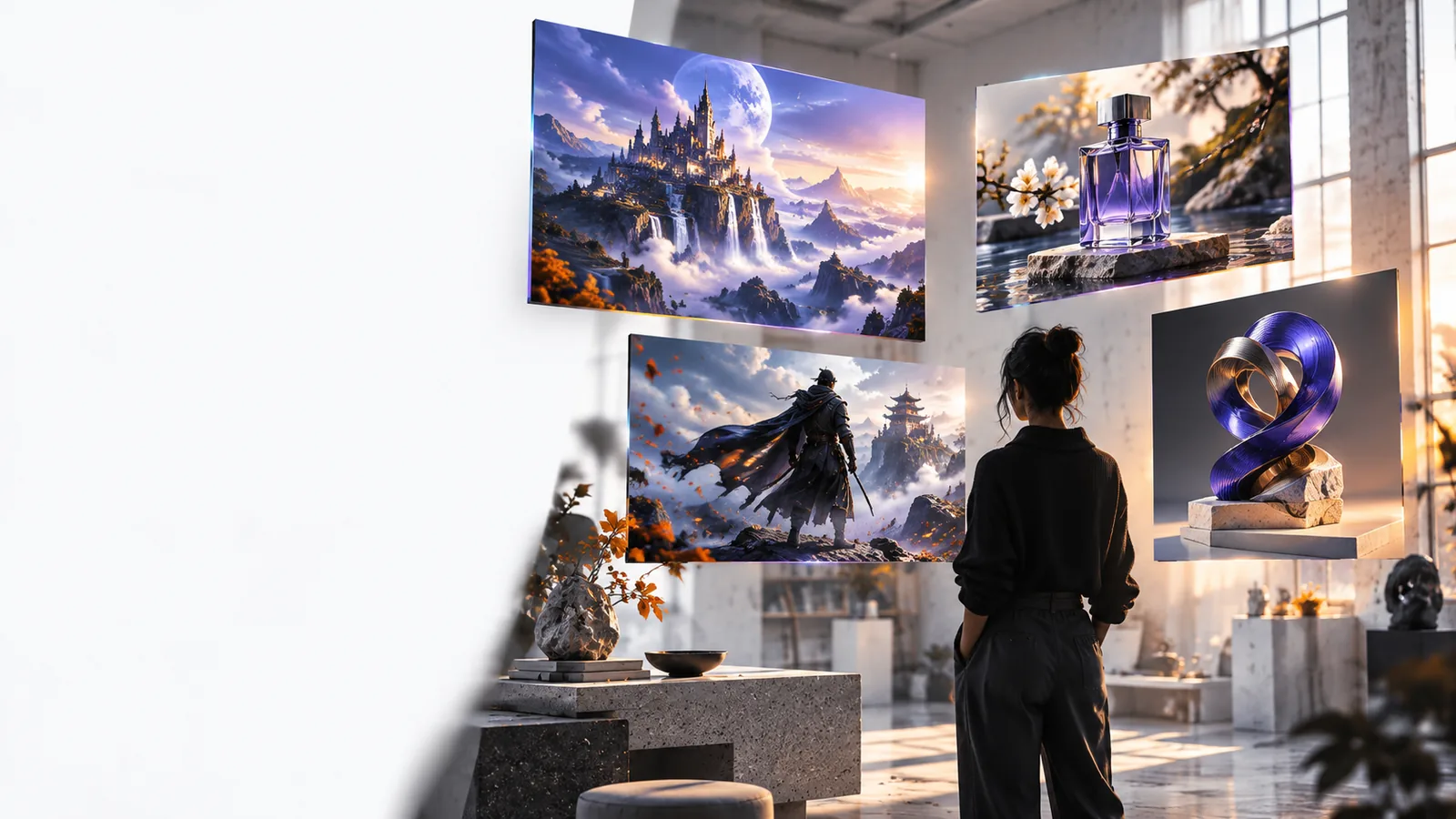
Treat the first generation as a visual draft. A compact prompt gives you something concrete to inspect, while a second pass can resolve the details that matter most.
Name the main subject, location, action, mood, and camera impression in one readable description.
Send the prompt through the Sjinn workflow and inspect whether the subject, motion, and atmosphere match your intent.
Keep the strongest idea, then adjust one variable at a time instead of rewriting every detail at once.
Choose the framing before polishing the wording. These three common compositions help you match the generated scene to its intended viewing context.
Most weak results come from a mismatch between the prompt and the visual decision you want the system to make. Compare the vague direction with a version that gives the scene a clear subject and action.
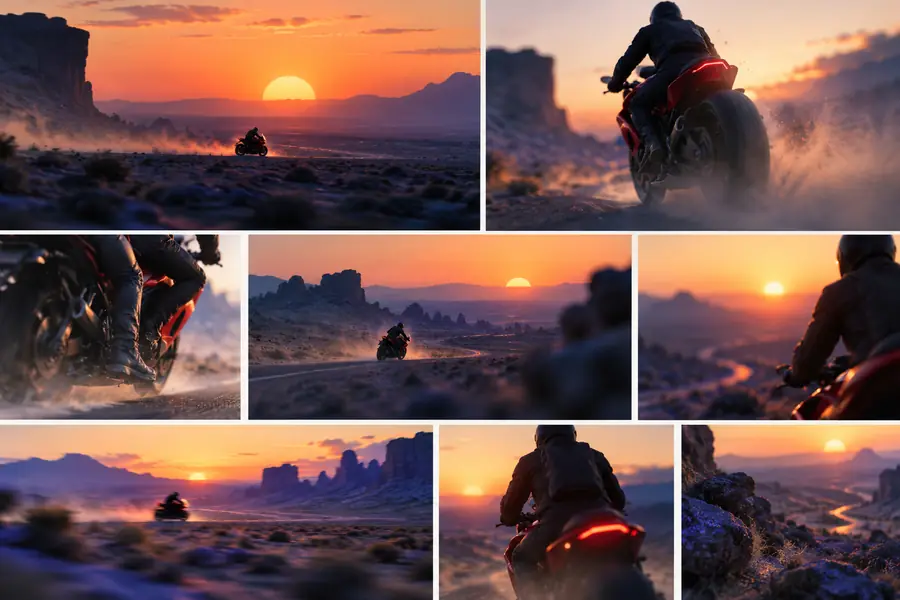 Unclear direction
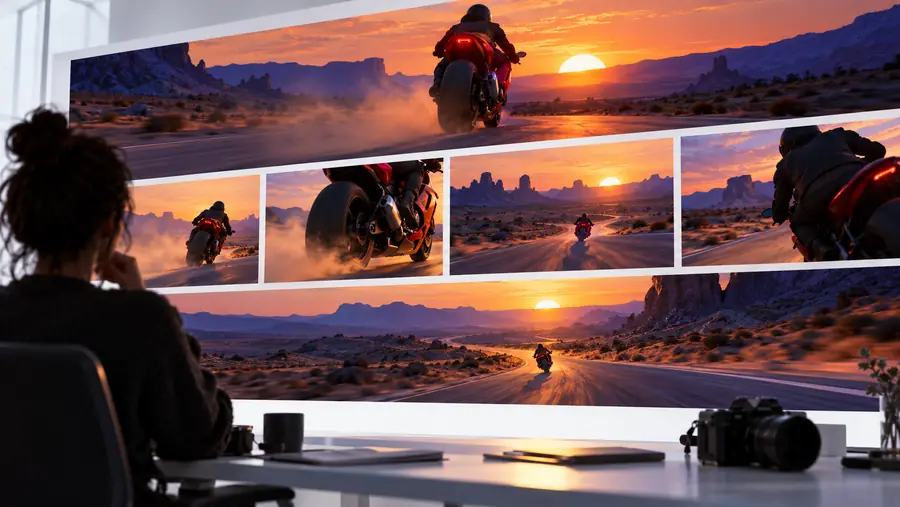 Focused direction
You have a character and a memorable setting but need a visual starting point for a short sequence.
Begin with one action and one mood, then use the first draft to decide which story beat deserves a second pass.
sjinn ai templatesYou are shaping a repeatable concept for an episode, teaser, or short-form series.
Keep the scene structure consistent while changing the subject, setting, or opening action for each new idea.
sjinn for youtubeYou want to understand the workflow before investing time in a polished sequence.
Start with a small, self-contained scene and judge the result by clarity, continuity, and usefulness for your next edit.
sjinn ai freeWrite the scene you can already picture, then use the generated result to discover what needs more direction. A focused first prompt is usually more useful than a long list of disconnected details.
Generate a videoIt is intended for turning a written visual idea into a video draft or scene concept. The most useful starting prompts identify the subject, setting, action, and mood rather than describing an entire project at once.
Start with the central subject and the action you want viewers to notice. Add the setting, atmosphere, and visual style only after the main event is clear, so the generated scene has a strong priority.
Plan the composition around its destination before you generate, such as a wide landscape frame, a vertical mobile frame, or a square feed format. The important step is leaving enough visual space for the subject in the chosen framing.
A prompt can fail when it asks for too many actions, leaves the subject ambiguous, or combines visual directions that compete with each other. Simplify the scene, make one change, and compare the new draft with the original intention.